

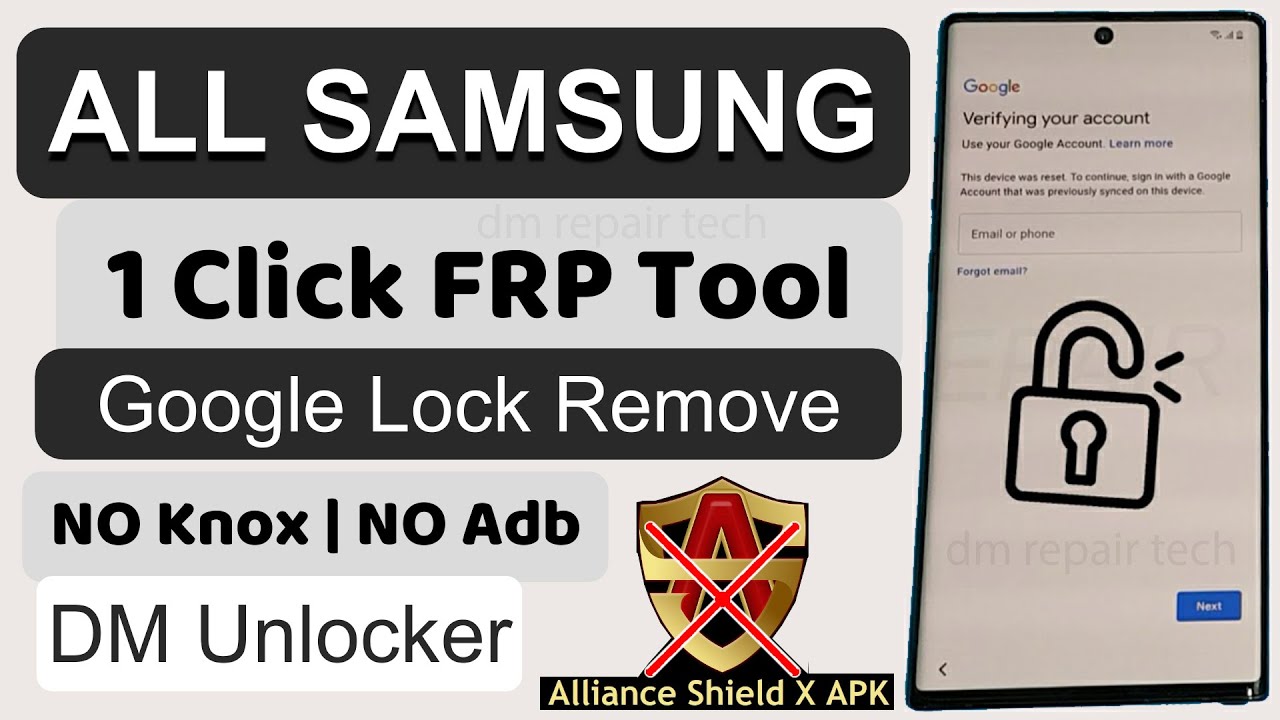
FRP Bypass APK DM allows users to bypass the Factory Reset Protection on Android devices. It helps regain access to locked devices.
FRP Bypass Apk Dm or FRP (Factory Reset Protection) is a security feature on Android devices that protects data in case of theft or loss. Sometimes, users forget their Google account credentials, making it difficult to access their devices after a reset. FRP Bypass APK DM comes to the rescue in such situations.
This tool helps users bypass the FRP lock by providing an alternative method to regain access. It’s essential for users who have legitimate reasons to access their locked devices. Always ensure you’re using this tool ethically and legally, as misuse can lead to security risks and violations.
Introduction To FRP Bypass
Smartphones are integral to our lives. Security measures protect our data. One such measure is the Factory Reset Protection (FRP). This blog section introduces FRP Bypass Apk Dm.
What Is Frp?
Factory Reset Protection (FRP) is a security feature on Android devices. It prevents unauthorized access after a factory reset. If someone resets your phone, they can’t use it without your Google account.
FRP activates when you set up a Google account on your device. It ensures only you can access your phone after a reset.
Importance Of FRP Bypass
FRP is crucial for protecting your data. But sometimes, you may forget your Google account details. In such cases, an FRP Bypass tool becomes essential.
With an FRP Bypass APK, you can regain access to your phone. This tool is especially useful if you bought a second-hand phone. It helps bypass the FRP lock, ensuring you can use the device.
| Scenario | Solution |
|---|---|
| Forgot Google account details | Use FRP Bypass Apk |
| Bought a second-hand phone | Use FRP Bypass Apk |
Understanding Frp Bypass APK
The Factory Reset Protection (FRP) is a security feature on Android devices. FRP helps to keep your phone secure. But sometimes, users may need to bypass this protection. This is where the FRP Bypass APK comes in handy.
Definition Of Apk
An APK stands for Android Package Kit. It is the file format used by Android to distribute and install apps. Think of it as a package that contains all the elements an app needs to work on your device.
| Element | Description |
|---|---|
| Manifest | Contains the app’s permissions and components. |
| Resources | Includes images, strings, and layouts. |
| Classes | The compiled Java code. |
| Assets | Files like fonts and audio, are not compiled in resources. |
How Frp Bypass APK Works
The FRP Bypass APK allows users to remove the FRP lock. This is useful if you forget your Google account credentials. Here is a step-by-step process:
- Download the FRP Bypass APK from a trusted source.
- Transfer the APK file to your locked device.
- Open the file manager on your device.
- Find and install the FRP Bypass APK.
- Launch the app and follow the instructions.
By following these steps, you can easily remove the FRP lock. This will give you access to your device again.
Benefits Of Using Frp Bypass APK
The FRP Bypass APK offers numerous benefits for users who need quick access to their locked devices. This powerful tool ensures a smooth experience, saving you both time and money. Discover the key advantages below.
Quick Access
One of the primary benefits of using the FRP Bypass APK is its ability to provide quick access to your device. Users can bypass the Factory Reset Protection (FRP) lock within minutes. This is especially helpful when you forget your login details. The process is straightforward and requires minimal technical knowledge.
- Bypass FRP lock in minutes
- No need for technical expertise
- Easy-to-follow steps
Cost-effective Solution
Another significant advantage is that the FRP Bypass APK is a cost-effective solution. Many users prefer this tool because it eliminates the need for professional help. You don’t have to spend money on expensive services or tools.
| Feature | Benefit |
|---|---|
| Free to download | Save money |
| No professional help needed | DIY solution |
| Reduces downtime | Get back to work quickly |
The FRP Bypass APK is accessible to everyone. You can download it for free and use it at your convenience. This makes it a top choice for many.
Credit: www.youtube.com
Step-by-step Guide To Using Frp Bypass APK
Are you locked out of your device due to Factory Reset Protection (FRP)? Follow this step-by-step guide to regain access using the FRP Bypass APK. This guide will help you download, install, and use the APK effectively.
Downloading The Apk
First, you need to download the FRP Bypass APK. Follow these simple steps:

- Open your device’s browser.
- Search for “FRP Bypass APK download.”
- Choose a trusted website to download the APK file.
- Click the download button and save the file.
Installing The Apk
After downloading, you need to install the APK. Here’s how:
- Go to your device’s Settings.
- Navigate to Security or Privacy.
- Enable Unknown Sources to allow installation.
- Open the downloaded APK file.
- Click Install and wait for the process to complete.
Once installed, you can use the FRP Bypass APK to unlock your device. Follow the on-screen instructions carefully.
| Step | Description |
|---|---|
| 1 | Download the APK |
| 2 | Enable Unknown Sources |
| 3 | Install the APK |
| 4 | Use the APK to unlock |
With these steps, you can bypass FRP and access your device again. Remember to follow each step carefully for the best results.
Common Issues And Solutions
Using the FRP Bypass APK DM can sometimes lead to common issues. These issues can frustrate users. Below, we discuss frequent problems and their solutions.
Installation Errors
Many users face problems during the installation of the FRP Bypass APK DM. Follow these steps to fix installation errors:
- Ensure your device allows installation from unknown sources.
- Go to Settings > Security > Unknown Sources and enable it.
- Check if your device has enough storage space. You need at least 50MB free.
- Download the APK file again. Sometimes, the file gets corrupted during download.
Compatibility Problems
Compatibility problems are another common issue with the FRP Bypass Apk DM. Make sure your device meets the minimum requirements:
| Requirement | Details |
|---|---|
| Operating System | Android 5.0 or higher |
| RAM | At least 1GB |
| Storage | 50MB free space |
If your device meets these requirements but still faces issues, try these solutions:
- Restart your device and try installing the APK again.
- Clear the cache and data of your device’s package installer.
- Ensure your device is not rooted. Rooted devices often face compatibility issues.
Credit: www.tenorshare.com
Safety Concerns And Precautions
Using the Frp Bypass Apk Dm can be risky. It’s important to be aware of potential dangers. This section covers the key safety concerns and how to mitigate them.
Risks Involved
There are several risks associated with using FRP Bypass Apk Dm. These include:
- Malware: Some APK files may contain harmful software.
- Privacy Issues: Your data could be exposed.
- Legal Risks: Bypassing FRP locks may be illegal.
Malware can damage your device or steal your data. Privacy issues can lead to identity theft. Legal risks could result in fines or other penalties.
Safe Download Sources
To minimize risks, always download from trusted sources. Here are some safe options:
| Source | Reason |
|---|---|
| Official Websites | These sites are usually secure. |
| Reputable Forums | Community reviews can guide you. |
| Verified App Stores | They screen apps for safety. |
Always check reviews and ratings. Avoid unknown or poorly rated sources. This reduces the chance of downloading harmful files.
Alternatives To FRP Bypass APK
Sometimes, using FRP Bypass APK is not the best option. There are other ways to bypass Factory Reset Protection (FRP) on Android devices. These alternatives can offer more security and reliability. Here, we explore some of the best options available.
Professional Services
Professional services offer a reliable way to bypass FRP. They are often more secure and efficient. Some popular services include:
| Service | Features | Price |
|---|---|---|
| Dr.Fone – Unlock | Supports many devices, easy to use | $29.95 |
| iMobie DroidKit | Bypasses FRP, repairs system issues | $39.99 |
| Tenorshare 4uKey | Fast process, no data loss | $35.95 |
These services are perfect for those who prefer a hands-off approach. They save time and offer professional support.
Other Software Tools
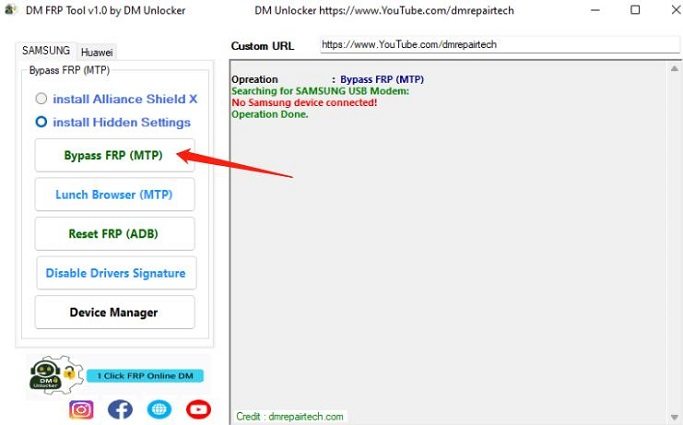
There are software tools other than FRP Bypass APK that can help. These tools are often free and easy to use. Some of the top tools include:
- GSM Flasher ADB Bypass: Simple and free, but requires technical skills.
- HushSMS: Uses SMS to bypass FRP, and needs a second phone.
- Realterm: Terminal software to bypass FRP, suitable for advanced users.
These tools can be effective but might need some technical knowledge. They are ideal for users who want a DIY solution.
Credit: www.ultfone.com
Frequently Asked Questions
What Is Frp Bypass APK?
FRP Bypass APK is a tool to unlock Android devices. It helps users bypass the Factory Reset Protection (FRP) lock. This is useful when you forget your Google account credentials.
Is FRP Bypass APK Safe To Use?
FRP Bypass APK is generally safe if downloaded from reputable sources. Always ensure you use the latest version and follow instructions carefully. Downloading from unknown sources can pose security risks.
How Do I Install Frp Bypass APK?
To install FRP Bypass APK, first enable “Unknown Sources” in your device settings. Download the APK file and open it. Follow the on-screen instructions to complete the installation.
Can FRP Bypass APK Unlock Any Device?
FRP Bypass APK works on many Android devices, but not all. Compatibility varies by device model and Android version. Always check for your specific device’s compatibility before proceeding.
Conclusion
Unlocking your device using the FRP Bypass APK DM is now straightforward. Follow the steps carefully for the best results. Ensure your device security remains intact by only downloading from trusted sources. With this guide, bypassing FRP locks should be hassle-free and secure.
Enjoy seamless access to your device!